Long pickup lines
Families wait in cars while staff manage traffic, answer questions, and try to remember who belongs to which vehicle.
DismissQ helps schools organize pickup with QR scanning, real-time queues, and simple tools that keep staff, students, and families moving — from the first car in line to the last student released.
Free to start · No credit card · Works on any device you already own
Prefer the mobile app?

See how scanning, live queues, and lane-based checkpoints bring order to your pickup line — and how quickly your team can adopt it.
Explore DismissQ for schoolsLocal businesses can help a nearby school provide better dismissal technology while building real relationships with families.
Explore sponsorshipDismissal is the one part of the day where everything has to go right, all at once, in front of every family you serve.
Families wait in cars while staff manage traffic, answer questions, and try to remember who belongs to which vehicle.
Paper lists, radios, whiteboards, and disconnected communication that break down the moment something changes.
The person at the curb, the person in the hallway, and the front office all need the same information at the same time.
No training manual required. Tap through the screens your team uses every afternoon.
Designed around what happens at the curb — not around a feature list.
QR-based identification helps reduce delays at the curb, so the line keeps moving and families spend less time waiting.
Every connected device stays updated. The staff member at the curb and the one in the hallway see the same queue, live.
Different staff members see what they need and nothing they don't — scanners, dismissers, and office admins each get their own view.
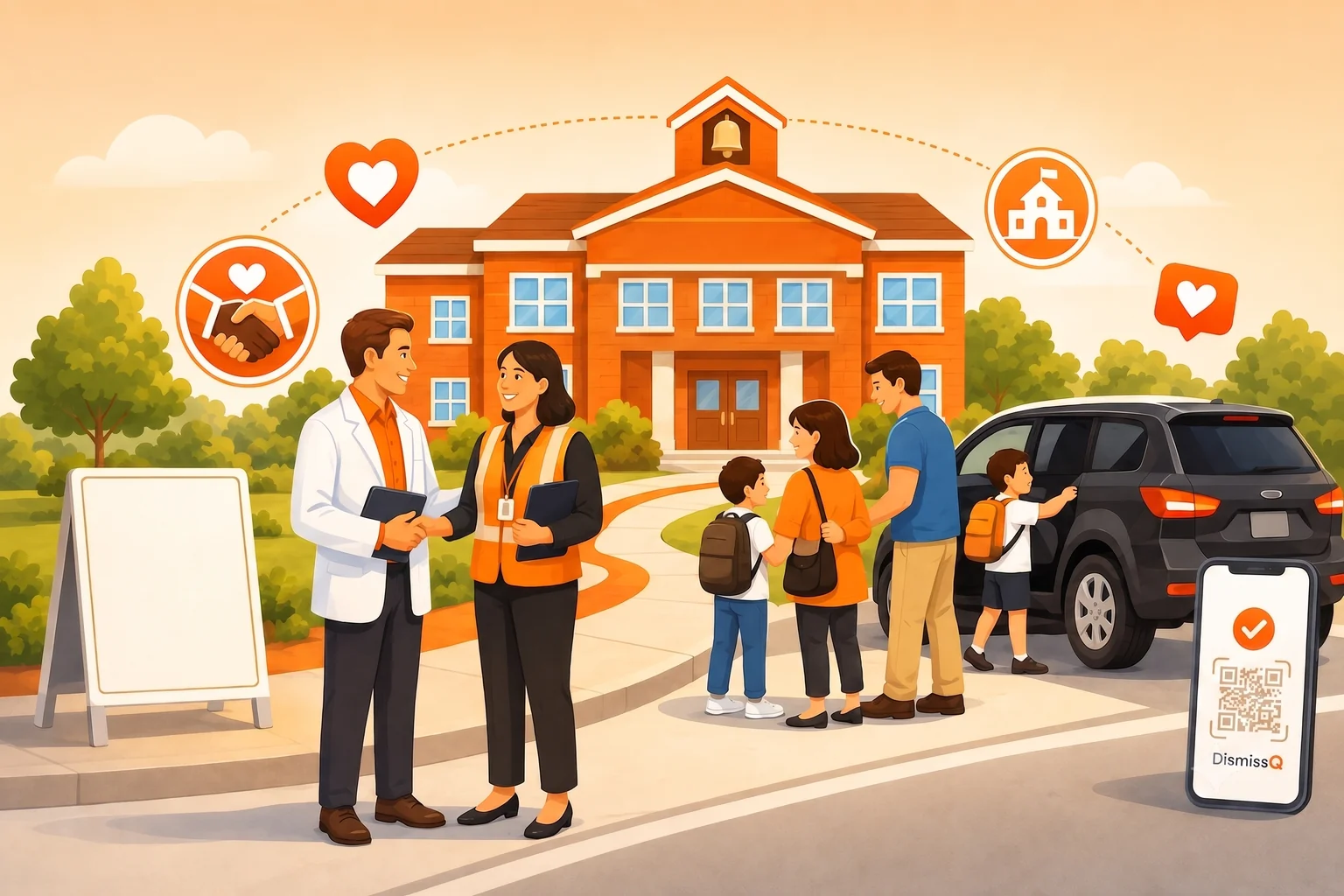
Local businesses can help schools provide better dismissal technology while building meaningful relationships with families in their community. It's a partnership parents actually notice — every afternoon, all year long.
Bring order to the hardest 30 minutes of the school day — for your staff, your students, and every family in your pickup line.