Fast family pickup
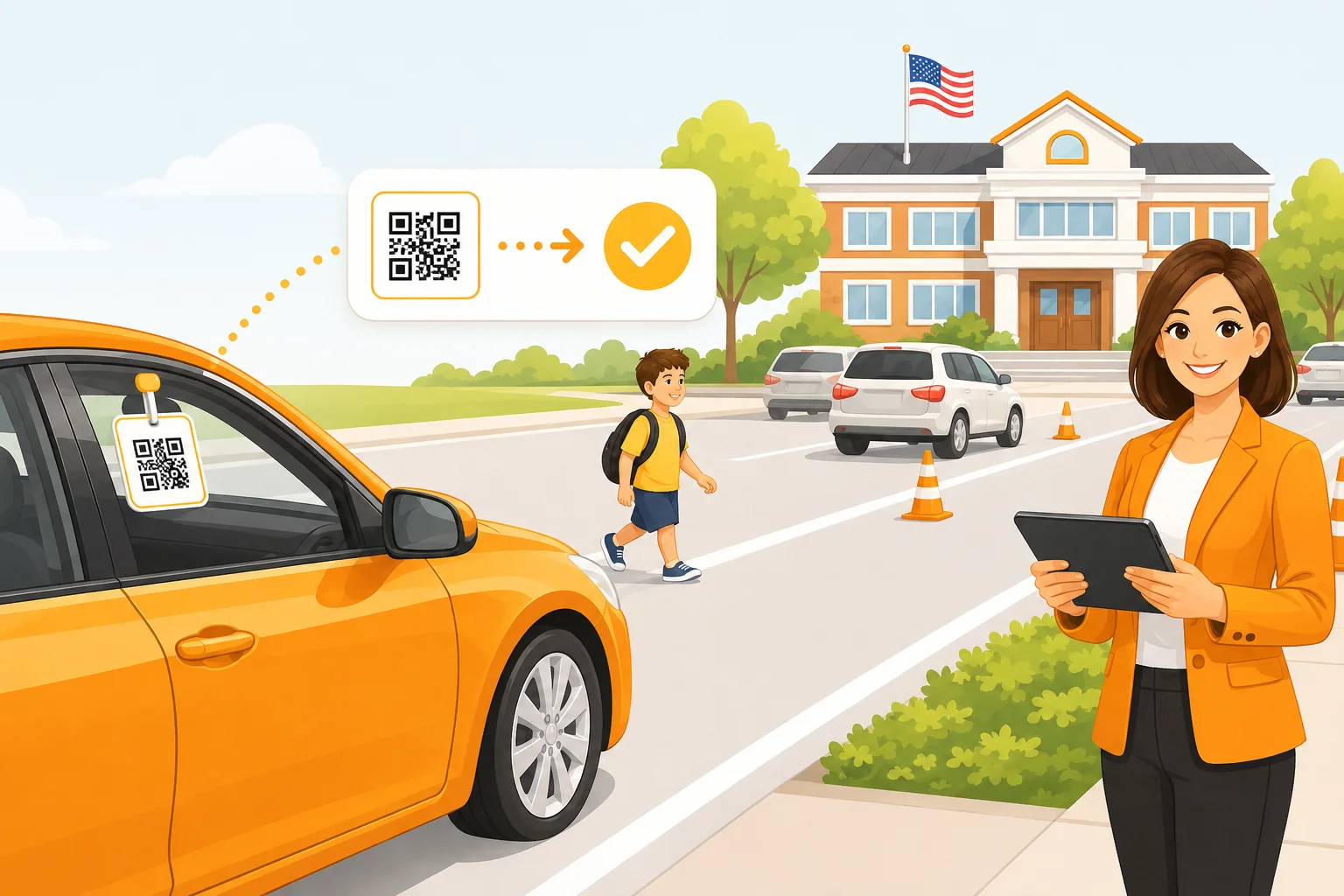
QR-based identification helps reduce delays at the curb, so the line keeps moving and families spend less time waiting.
DismissQ gives every staff member the same live view of pickup — who has arrived, who is waiting, and who has already been released — using the devices your school already owns.
Free to start · No credit card · Works on phones and tablets you already have
Prefer the mobile app?
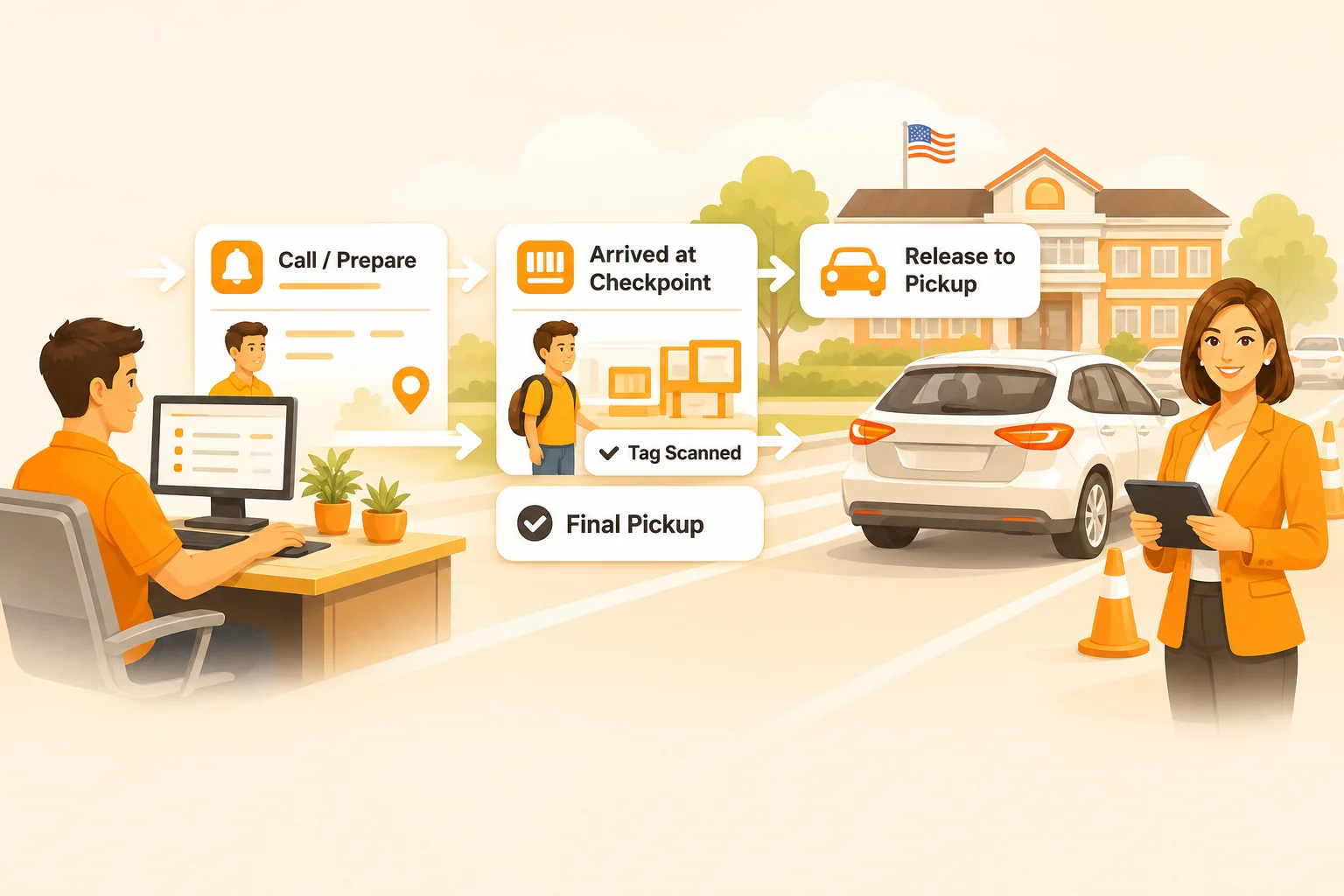
Staff at the gate, in the hallway, and in the office all work from the same live queue — each seeing exactly what their role needs.
Families are quickly identified with a QR tag at the curb — no names shouted, no lists searched.
Students enter the dismissal workflow instantly, and every connected device updates at once.
Staff move students through dismissal stages and lanes as pickup unfolds in real time.
Students are safely released to the right adult, with every handoff recorded as it happens.
Car riders, walkers, buses, and after-school groups rarely follow one path. DismissQ is built for that.
Designed around what actually happens at dismissal — not around a feature list.
QR-based identification helps reduce delays at the curb, so the line keeps moving and families spend less time waiting.
Every connected device stays updated. The staff member at the curb and the one in the hallway see the same queue, live.
Different staff members see what they need and nothing they don't — scanners, dismissers, and office admins each get their own view.
Support multiple dismissal stages and lanes, so car riders, walkers, buses, and after-school groups each follow the right path.
Designed for schools without complicated implementation. Import your roster, add staff, print tags — you can be ready before the next dismissal bell.
Keep dismissal information organized and controlled, with every scan and release attributed to the staff member who made it.
Set your school up and run a real dismissal with DismissQ — free to start, on the devices your staff already use.